How to Set Up IPTV on Firestick in Ireland | Emerald IPTV Ireland
Last updated:
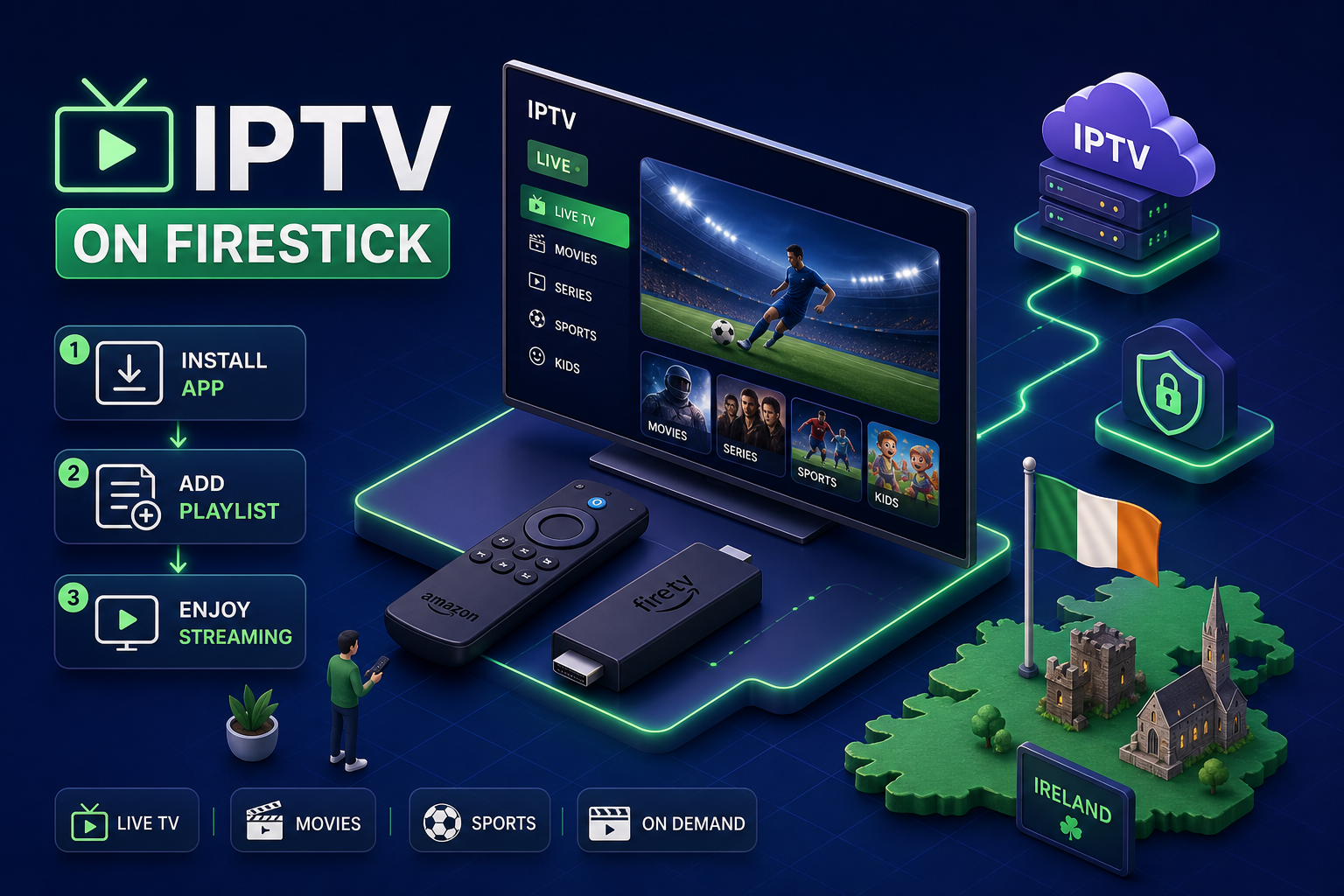
Quick Summary
Emerald IPTV Ireland: Set up IPTV on Firestick in 2026. Step-by-step guide with top apps, legal tips & anti-buffering. Get a free trial.
Many Irish households paying €80, €120 a month for Sky or Virgin Media don't realise how close they are to cutting that bill significantly. An Amazon Fire TV Stick and a reliable IPTV subscription are genuinely all it takes to get started with IPTV on Firestick in Ireland, and the full setup from unboxing to watching live RTÉ or a GAA match can often be done in under 15 minutes when you know the steps.
Services like Emerald IPTV offer guided setup support designed to get new Irish users watching quickly. This article walks you through everything: the best apps to install, how to load your playlist, what Irish law actually says about IPTV, and how to clear a buffer before it ruins a match.
What You Need Before Installing IPTV on Your Firestick
Getting halfway through setup only to hit a wall is frustrating. Checking these prerequisites first means the installation goes smoothly in one sitting.
Firestick Models That Work, and Which Performs Best
All current Fire TV Stick models support IPTV apps, but performance varies. The Fire TV Stick 4K Max is the best option for IPTV use in 2026: it has the RAM headroom and Wi-Fi 6 support that makes 4K streams buttery smooth. The standard 4K model is a solid second choice. The Lite handles HD streaming without issue, but it can struggle with simultaneous 4K streams, and some users report it runs warm under extended use. If you already own a Firestick, check the model in Settings > My Fire TV > About before buying a newer one. For full hardware and performance details you can consult Amazon's Fire TV device specifications: Fire TV device specifications.
Internet Speed Requirements for Smooth IPTV Streaming in Ireland
Industry guidance generally recommends a minimum of 5, 10 Mbps for stable HD streaming, with 15, 25 Mbps providing a more comfortable buffer for reliable 4K. Irish broadband in urban centres like Dublin, Cork, and Galway generally handles this without difficulty, but rural connections on older lines are worth checking first. Run a quick speed test at fast.com before you start.
For sports streams during peak hours, a wired Ethernet connection via a USB OTG adapter typically outperforms Wi-Fi by a significant margin. Users switching to wired connections commonly report much higher throughput and fewer dropped frames, though it's worth noting that buffering can still occur due to server load or provider congestion, regardless of your local connection speed.
Picking the Right IPTV Provider in Ireland
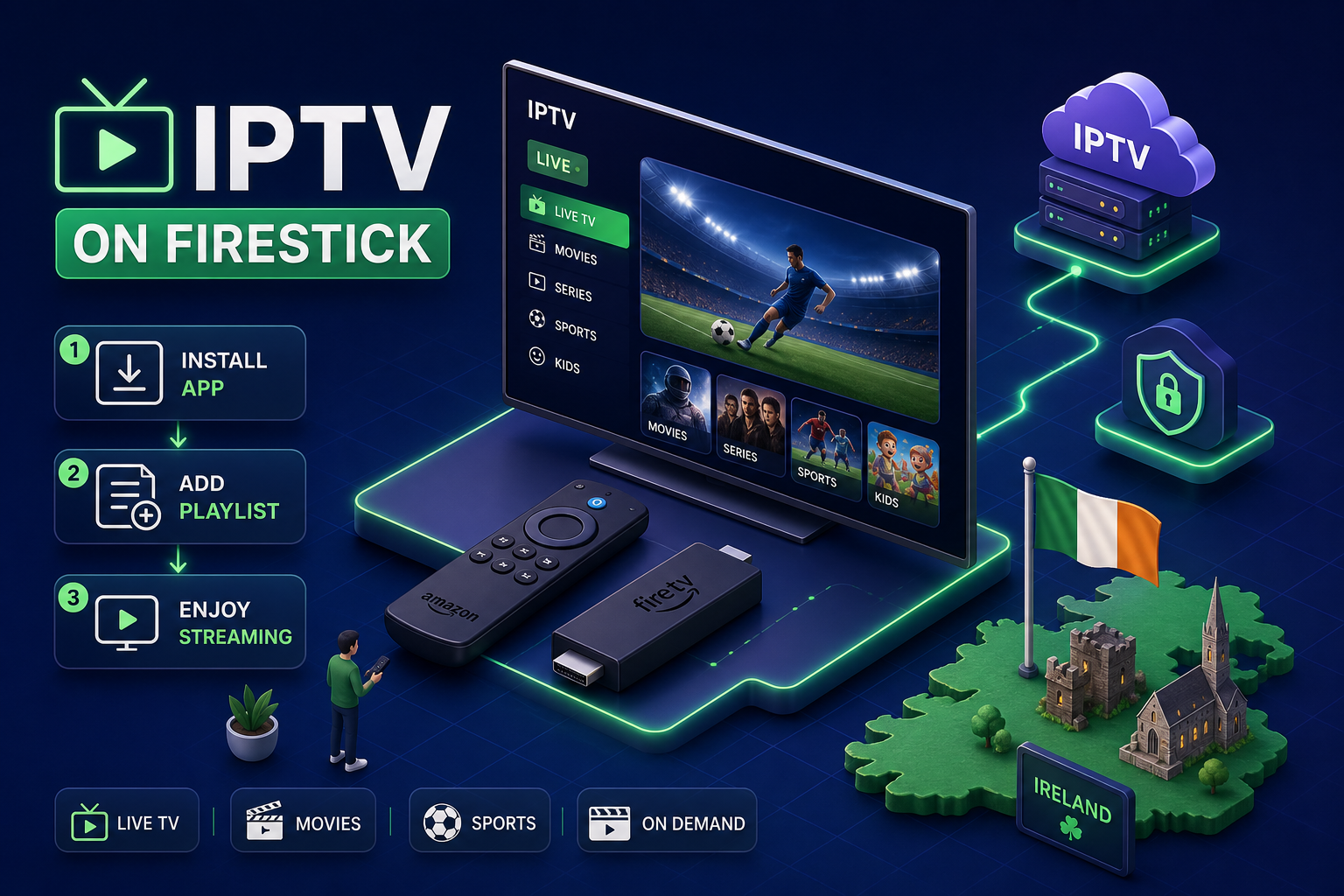
Choosing the right provider is the most important decision in this whole process. The app is just a player; the provider determines the quality, reliability, and legality of everything you watch.
What to Look for in an Irish IPTV Subscription
A trustworthy service covers the channels Irish households actually want: RTÉ One, RTÉ2, TG4, Virgin Media channels, Sky Sports, and comprehensive GAA coverage. Beyond channel count, look for servers optimised for Irish broadband, multi-device support, and a free trial before you commit any money.
Red flags to avoid: no visible customer support contact, cryptocurrency-only payments, and a zero refund policy. Consumer protection researchers and industry observers have noted that anonymous resellers displaying these traits frequently disappear without warning, taking subscribers' payments with them. For more reviews, setup guides, and streaming tips see our IPTV Ireland Blog.
Why Emerald IPTV Is the Recommended Choice for Irish Households
Emerald IPTV is an Irish-owned and operated service, with infrastructure configured for Irish broadband. That distinction matters in practice: generic international providers route traffic through servers in mainland Europe or the US, which can introduce latency during live sports. Emerald's setup is built with Irish connections in mind, which is reflected in how the service handles RTÉ and GAA content.
The service offers 25,000+ live channels, 100,000+ on-demand titles, and a customer support team available around the clock. The 30-day money-back guarantee and no-contract model stand in clear contrast to the anonymous resellers flooding the Irish market, who typically offer no accountability. A free 24-hour trial lets you test everything before spending a cent. Learn more about Emerald's dedicated Firestick offering on the main service page: IPTV Firestick Ireland 2026, Setup in 10 Min.
Step-by-Step: Installing the IPTV App on Your Firestick
Many popular IPTV player apps, including premium builds of TiviMate and other third-party players, are not available through the standard Amazon Appstore and need to be sideloaded. It sounds more technical than it is; the one-time setup typically takes just a few minutes, though this can vary depending on your download speed and familiarity with the process. For a detailed walkthrough of the entire Firestick setup process, see our guide: How to Set Up IPTV on Firestick in Ireland (2026 Guide).
Enabling Sideloading and Installing Downloader
- Go to Settings > My Fire TV > About and tap your device name seven times. This unlocks Developer Options.
- Go back to My Fire TV > Developer Options and open Install Unknown Apps.
- Search for and install the Downloader app from the Amazon Appstore (it's free and made by AFTVnews).
- Return to Developer Options, select Downloader, and toggle the permission on.
That's it, you only do this once, and from here you can fetch any IPTV player APK directly onto the Firestick.
Installing and Choosing Your IPTV Player App
Three apps stand out for Firestick use in 2026. TiviMate is the strongest overall performer: fast channel switching, clean EPG layout, and excellent handling of Irish channel lists. Most experienced users end up here. IPTV Smarters Pro is the most beginner-friendly option, with an intuitive interface and an easy Xtream Codes login. XCIPTV is a solid free alternative if you want to test the waters before committing to a paid player.
To install TiviMate, open Downloader and enter the code 850164. For IPTV Smarters Pro, use the URL smarters.vision. For XCIPTV, the code is 250931. Install the APK, delete the file to free up space, and the app appears in your Firestick's app library. These are player apps only, they need an active subscription from a provider like Emerald IPTV to load any content.
Adding Your Playlist and EPG Inside the App
This is the step most guides gloss over, and it's exactly where new users get stuck. Getting credentials loaded correctly unlocks everything.
Xtream Codes vs. M3U: Which Login Method to Use
Xtream Codes is the modern standard and the better choice for most users. Your provider gives you three things: a portal URL, a username, and a password. Enter those into the app and channels, VOD, and the programme guide all load in one step. M3U is a raw playlist link that requires separate EPG configuration and refreshes manually. When your provider supplies Xtream Codes credentials, setup is faster and the EPG loads automatically. Have your credentials open on your phone before starting this step.
Configuring Your Channel List and EPG in TiviMate or IPTV Smarters
In TiviMate, open the app and select Add Playlist > Xtream Codes. Enter your provider URL, username, and password. Channels populate automatically, sorted into Live TV, Movies, and Series categories. In IPTV Smarters Pro, tap Add User > Xtream Codes API and enter the same three credentials. The EPG loads alongside them, meaning you see what's on RTÉ One, TG4, Sky Sports, and every other channel in the guide without any extra configuration.
Once your channels load, take five minutes to favourite your key Irish channels. This creates a shortlist at the top of the guide so you're not scrolling through thousands of channels to find the Six Nations.
Is IPTV Legal in Ireland? The Honest Answer
This question comes up constantly, and it deserves a straight answer rather than vague reassurance.
The Difference Between Legal and Illegal IPTV
IPTV as a technology is completely legal. RTÉ Player and Netflix are both IPTV services. The question is whether the provider holds rights to distribute the content it streams. Unlicensed providers streaming Sky, Premier League, and other copyrighted content without permission are breaking Irish law, specifically the Copyright and Related Rights Act 2000 and the Broadcasting Amendment Act 2007.
Enforcement in Ireland is real and escalating. In July 2024, Ciaran Donovan was sentenced to 16 months in prison at Naas Circuit Criminal Court for running an illegal IPTV operation called King Kong Media, with over €900,000 in criminal proceeds seized. That same year, 13 cease-and-desist notices were issued to operators across Dublin, Cork, Donegal, and other counties in a two-week operation. Industry bodies have documented coordinated efforts: for example, the MPLC reported enforcement action targeting illegal IPTV providers across Ireland, and legal analysts have highlighted recent case law clarifying copyright liabilities: an Irish High Court ruling explained by legal experts. These actions have primarily targeted providers and operators, not viewers, though that distinction does not make illegal services risk-free for subscribers.
How to Protect Yourself: Choosing a Licensed Service
End users face relatively low legal risk as passive viewers under current Irish enforcement practice, but the practical dangers of illegal services are significant. Security researchers at Webroot found that 100% of 50 illegal streaming sites tested contained malicious content, and a Dynata survey found nearly half of users of such services reported experiencing scams or identity theft. On top of that, illegal services disappear constantly, often overnight and without refund.
Choosing a provider with a verifiable Irish business presence, a published refund policy, and transparent customer support reduces these risks considerably. Emerald IPTV offers 24/7 customer support, a 30-day money-back guarantee, and has maintained continuous service since 2014, the kind of operational track record that distinguishes a serious provider from an anonymous reseller.
Fixing the Most Common Firestick IPTV Problems
Even a solid setup hits the occasional rough patch. These fixes handle the majority of issues users encounter.
Buffering and Slow Loading: The Fastest Fixes First
Start with the basics before anything else: restart the Firestick, restart the router, and run a speed test. If speeds are fine and buffering persists, clear the app cache by going to Settings > Applications > Manage Installed Applications, selecting your IPTV app, and tapping Clear Cache. This resolves most persistent buffering cases quickly.
If buffering only happens during matches or peak evening hours, ISP throttling is a likely cause. A VPN connected to an Irish or UK server typically bypasses it. If the problem is specific to one or two channels rather than the whole service, it's likely a server-side issue at the provider, contacting support is the fastest path to a fix. For a longer list of practical steps to stop IPTV buffering on Firestick devices, see this troubleshooting guide: How to stop IPTV buffering.
DNS and Codec Issues: Less Common but Easy to Fix
Slow DNS resolution causes streams to take too long to load. Fix it by going to Settings > Network, selecting your connection, switching to Static IP, and entering Cloudflare's DNS (1.1.1.1 / 1.0.0.1) or Google's (8.8.8.8 / 8.8.4.4). This takes a couple of minutes and can noticeably improve load times on busy networks.
For freezing or pixelation mid-stream, the fix is usually switching the video decoder inside your IPTV app from software to hardware decoding, or changing the external player to VLC. Both options are in the app's settings menu. It's a toggle change that takes under a minute, and if you're unsure which setting to change, your provider's support team should be able to walk you through it.
Ready to Make the Switch? Your IPTV Firestick Ireland Setup Starts Here
Getting IPTV running on a Firestick in Ireland comes down to four decisions: choosing a reliable Irish provider, installing TiviMate or IPTV Smarters Pro, loading credentials via Xtream Codes, and knowing how to clear a buffer when one appears. Each step is manageable when you have the right information in front of you.
The best place to start is Emerald IPTV's free 24-hour trial. It costs nothing, requires no contract, and gives you enough time to confirm that channels load cleanly on your specific setup before committing. If anything isn't right within the first 30 days, the money-back guarantee covers you. For anyone currently paying €80, €120 a month to Sky or Virgin Media, that's a low-risk test of a potentially significant saving. For quick reference on the Firestick-specific service offering and pricing, see the main Emerald Firestick page linked above.
Ready to Try Ireland's Best IPTV Service?
Get 25,000+ channels including RTÉ, Sky Sports, GAA and Premier League. Plans from just €9.99/month. No contract. And right now — try FREE on two independent servers, 48 hours each.
✓ No credit card required ✓ Cancel any time ✓ Setup in under 2 minutes